

Firmware management, across every brand you run
930+ supported models, 260+ brands, OCPP-native
Most operators run a mix of brands, models, and firmware versions across their network. Monta tracks what’s outdated, tests every release before it ships, and lets you push updates on your terms — one place instead of a hundred small decisions.
You decide. Monta never pushes firmware on its own.
Every update passes through three roles before it reaches your chargers.
Manufacturer
The manufacturer develops the firmware and provides it, along with its release notes. The firmware itself is theirs.
Monta
Monta tests every release, manages its rollout to the right models, and gives you the tooling to act.
Operator
You, as operator, decide what to install and when. You trigger the update.
What you can do in Monta
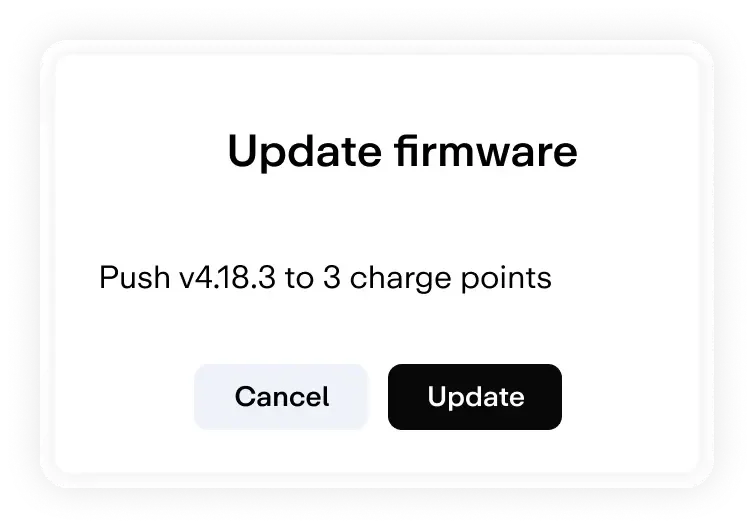
Every charging station with a firmware update available shows up on the Firmware updates page in Monta. Current version and target version side by side, per station, with live status on every row.
Each release carries its notes: a link to the manufacturer’s release notes, the file size, and the estimated installation time. Critical releases are flagged. You see what’s changing before you commit to it.
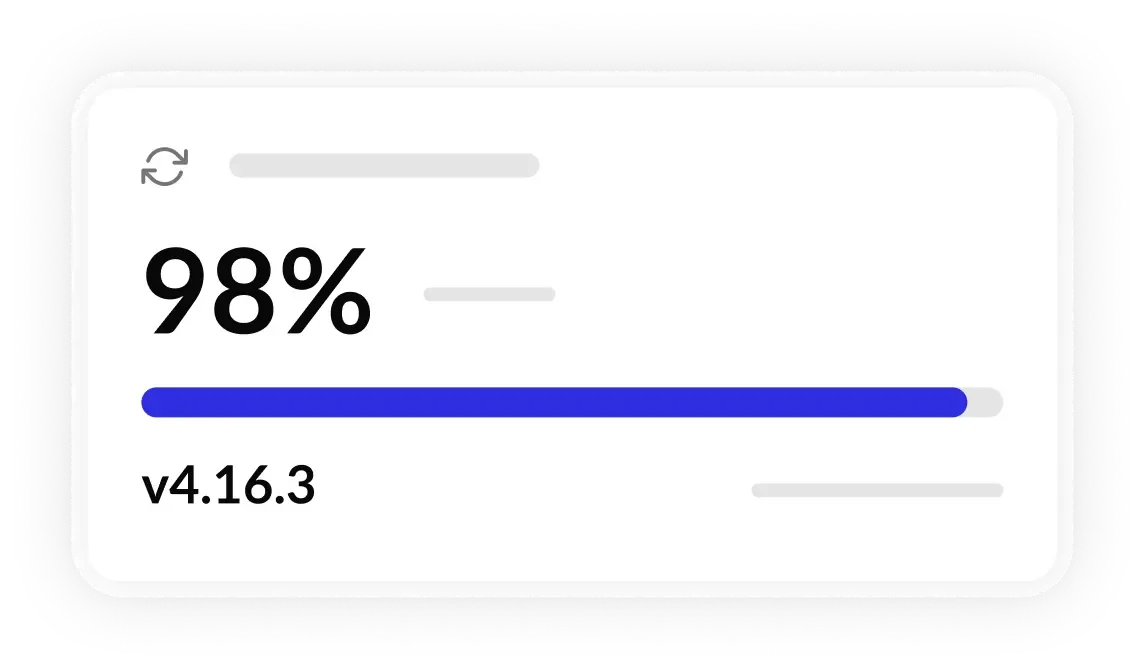
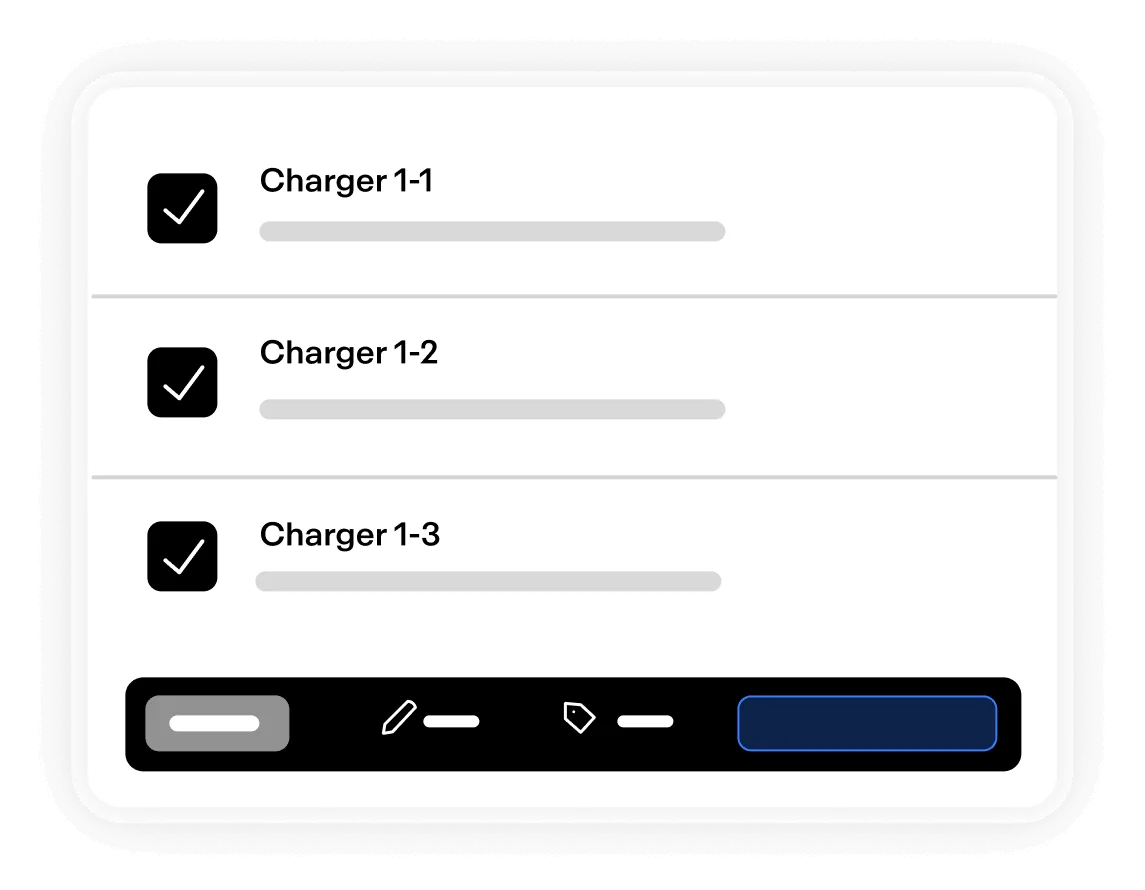
Select the charging stations you want and trigger the update, from a single station to your whole network. Schedule updates into a maintenance window and roll out site by site to keep downtime low. Live status is visible on every row, so you can leave busy stations charging and target only the ones that are free
Turn firmware updates from a risk into a routine
Every firmware is tested before it reaches your fleet
Charger compatibility is a key driver of charge success across the network. Our best-performing models reach 97%+ charge success rate, and the method for calculating charge success rate, uptime, and model rank is published openly. Behind those numbers sits a dedicated hardware and testing team and a long-established testing program.

Copenhagen lab
A wide range of AC models plus a DC charging station on site for hardware-in-the-loop testing.

Daily manufacturer exchange
A direct line to major manufacturers, with detailed test reports shared back.

Every release re-tested
New firmware runs through the same process as a new hardware model, tested against a known configuration and the full OCPP and Monta feature set.

Published OCPP Toolkit
Explore OCPP testing toolkitA public OCPP toolkit and emulator, in wide use by manufacturers across the industry.
Worried about a firmware update? Ask the network
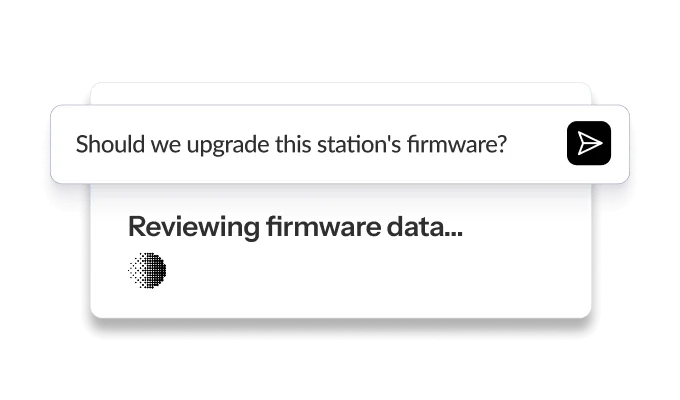
Monta AI digests data from 3.8M+ monthly charging sessions across 340k+ connected charging stations. Before you roll a firmware out, you can ask Monta AI how that version is performing in the field: its charge success rate across the network, where it has been deployed, and what changed.
It turns a firmware decision from a guess into a question with an answer.
FAQs
Which charging stations can I update remotely through Monta?
This is hardware-specific. Not every brand and model among Monta’s 930+ supported charging stations accepts remote firmware updates and shares files with Monta; today around 145 models are supported with fully managed updates. Whether remote updates are possible comes down to the manufacturer’s OCPP firmware implementation. Fully managed updates also require manufacturer collaboration with Monta.
How does Monta validate firmware before it reaches my charging stations?
Every release is re-tested against the full OCPP and Monta feature matrix before it goes live. A dedicated hardware and testing engineering team runs the program, with daily exchange and shared test reports with major manufacturers.
Will a firmware update interrupt active charging sessions?
No. Monta blocks firmware updates on charging stations that are currently charging, so an active session is never cut short by an update. You also see each station’s live status before you update, so you always know what’s free and what’s busy.
Does a firmware update change my configuration?
After an update, Monta re-applies the brand configuration and your operator overrides if any settings shifted during the update, so your charging stations come back set up the way you intended.
Is firmware delivery secure and standards-based?
Yes. Firmware delivery on Monta aligns with the OCPP security standards, including the OCPP 1.6 Security Whitepaper (signed updates) and OCPP 2.0.1 support.
What happens if a firmware update fails?
Failed updates surface in the Firmware Updates screen, in the Update progress column. You can retry the update from there. If it keeps failing, the next step is the charging station manufacturer, since firmware is developed and maintained by them.
Is there a rollback if a release turns out to be bad?
Monta can make a problematic firmware unavailable for triggering across the platform, which stops any further installs. It does not roll back stations that already updated. Because of the consent model, rollback of individual stations is handled by you; for a wider rollback, the same tooling can be used, with you triggering it.
Can I use a firmware file I got from a manufacturer myself?
Yes. You host and install a manufacturer-provided firmware file yourself and run an update on a single charging station today. Bulk roll-out of operator-hosted files across many stations is coming soon.
Firmware as a managed system
Hardware-agnostic, OCPP-native, tested in-house, and backed by network-wide intelligence on every push. You stay in control of every install. Monta handles everything around it.