

Monta AI: Infrastructure for operators that scale
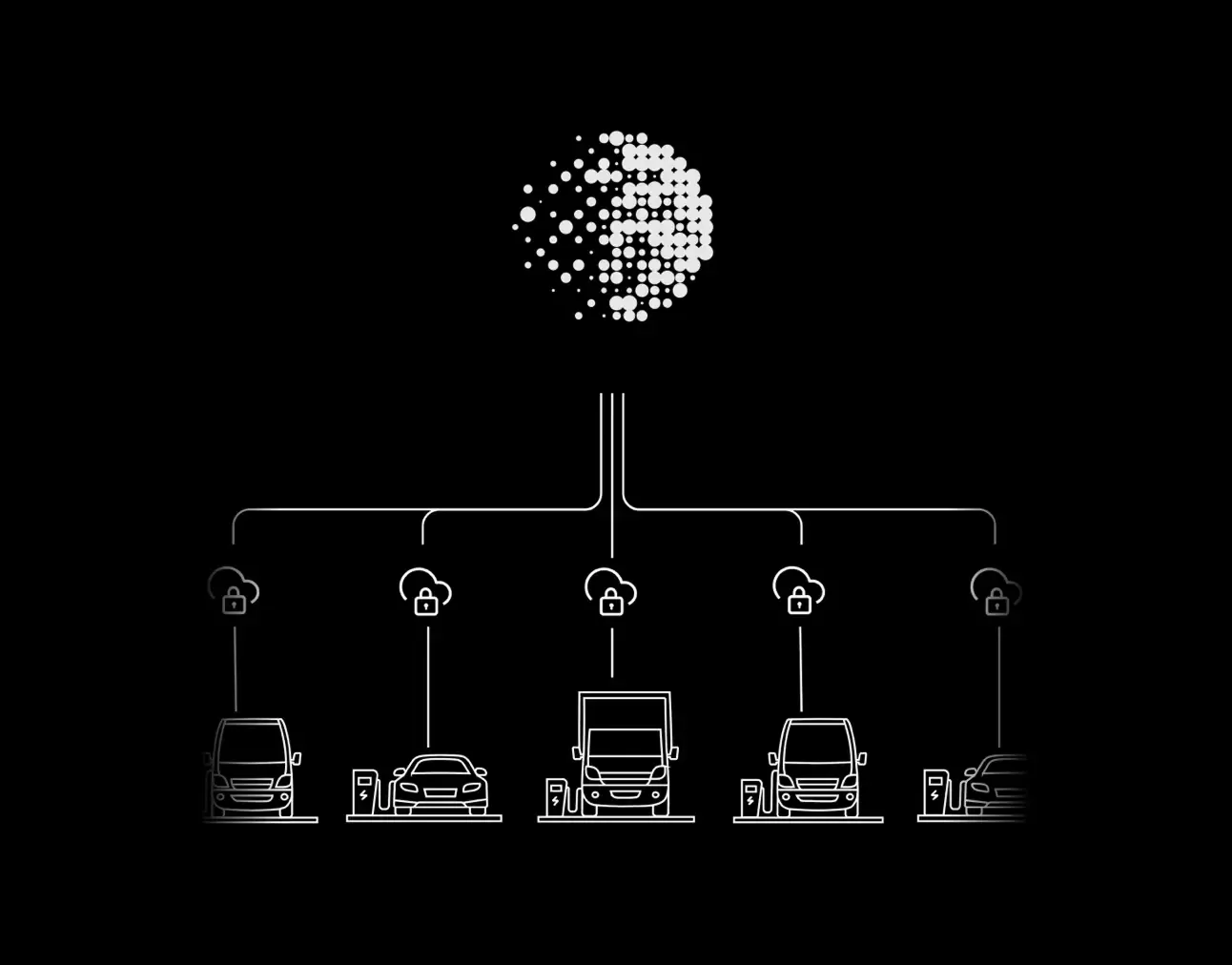
Monta AI is the intelligence layer built into your charging network. It works continuously across every charger you manage, diagnosing faults, resolving driver issues, and automating the operational work that used to require a team.
Trusted by 1000+ operators around the world



Grow your network without growing the manual work
For CPOs, network growth typically means a linear increase in manual work, including diagnosing incidents, chasing logs, and validating data. With Monta AI, you can break that cycle. By synthesizing scattered quality indicators into a single intelligence layer, we equip you with entirely new capabilities to drive network quality, achieving standards that were previously unattainable.
Intelligence built on the scale of the whole network
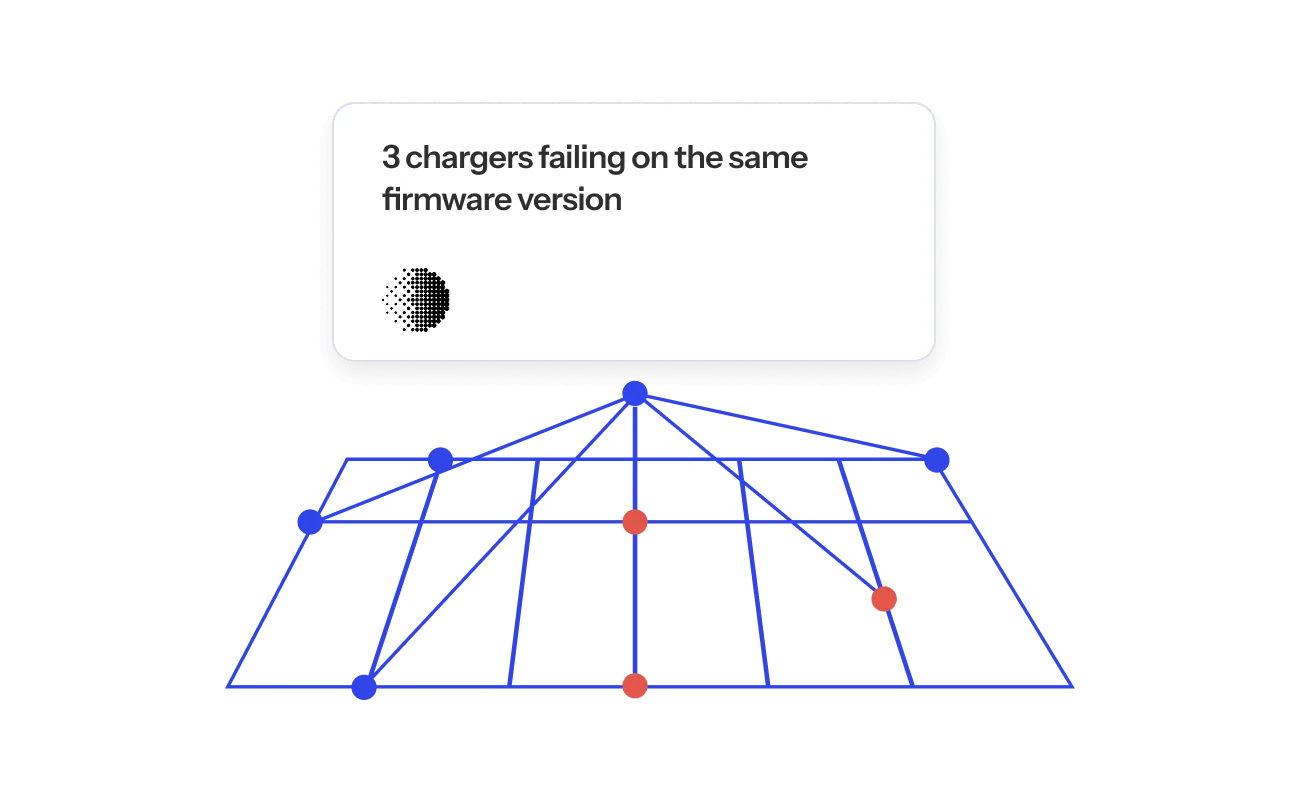
Monta AI learns from anonymized patterns across the entire Monta network, so every operator gets intelligence no single network could build alone.
- 340k+
- Chargers
- Feeding the AI
- 40
- Languages
- Supported out of the box
- 24/7
- Autonomous operation
- Across your network
- 3.8M+
- Monthly sessions
- Learned from at scale
Your network alive and intelligent
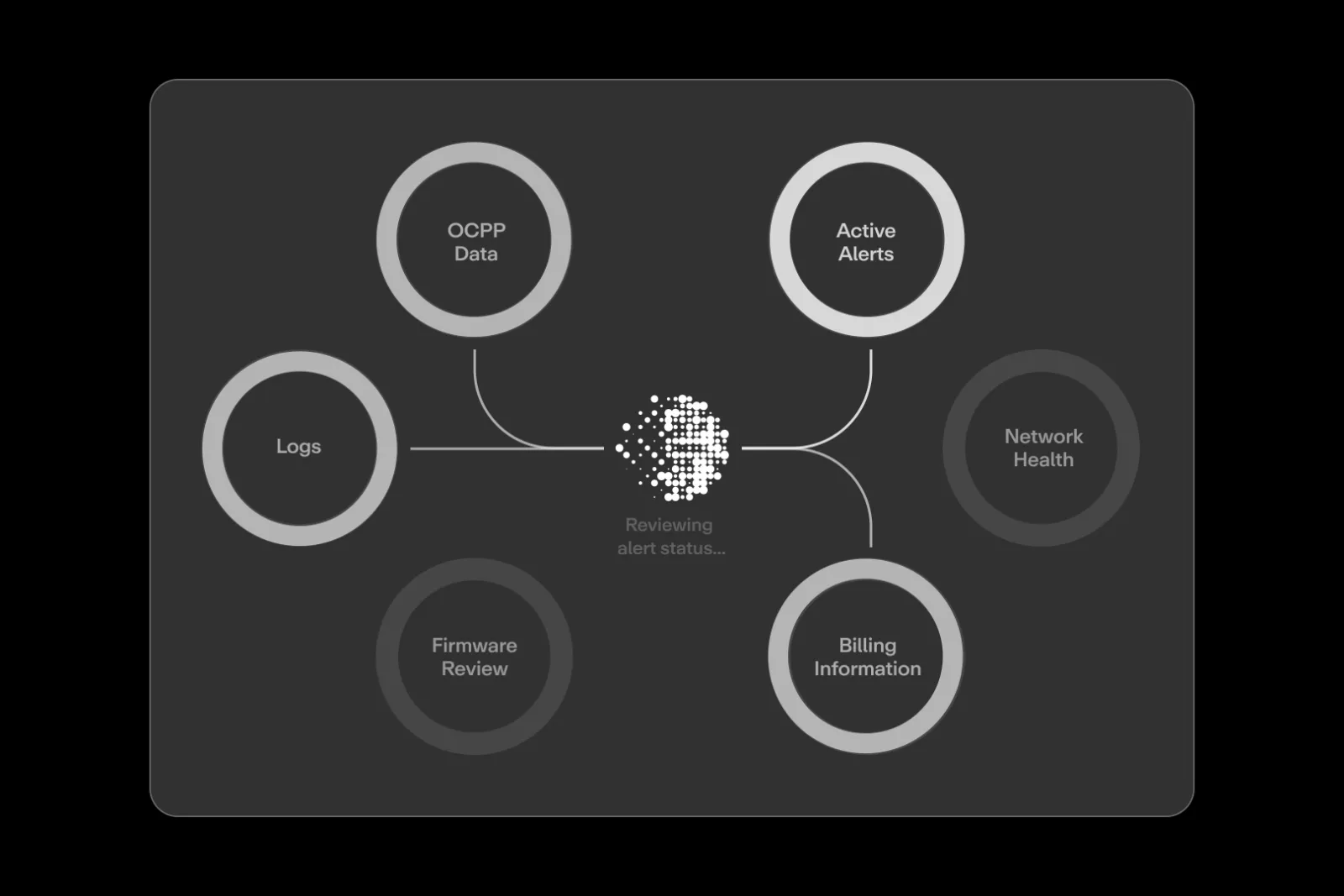
Every capability, one infrastructure layer
AI Driver Support
1 in 4 driver support calls are abandoned before anyone picks up. Monta AI answers immediately, resolves issues, and escalates to your team only when needed.
Session Analyzer
Root cause analysis on any session, faults, interruptions, or energy delivery anomalies, without writing a single query or opening a log file.
Insights and Reporting
Workflows, AI Insights, the CSMS Agent, and plain-language data queries in one place. Run a larger network without a larger team.
Workflows
Turn repetitive tasks like price updates, reboots, and config changes into automations that run across your whole network.
Price Benchmarks
Local competitive pricing data, updated continuously, so you see how your pricing compares to the market around each site.
Network Benchmarks
Uptime, utilization, and performance scores benchmarked against anonymized data from 340,000+ chargers.
AI support, zero wait time, all languages
1 in 4 driver support calls are abandoned before anyone picks up. Monta AI works 24/7, speaks every language, and answers every call immediately with zero abandonment.
AI insights, powered by 340,000+ chargers
Detect issues earlier using patterns seen across all of Monta’s network. Resolve problems faster with root-cause insights learned at scale. Continuously improve performance as the Monta network grows.
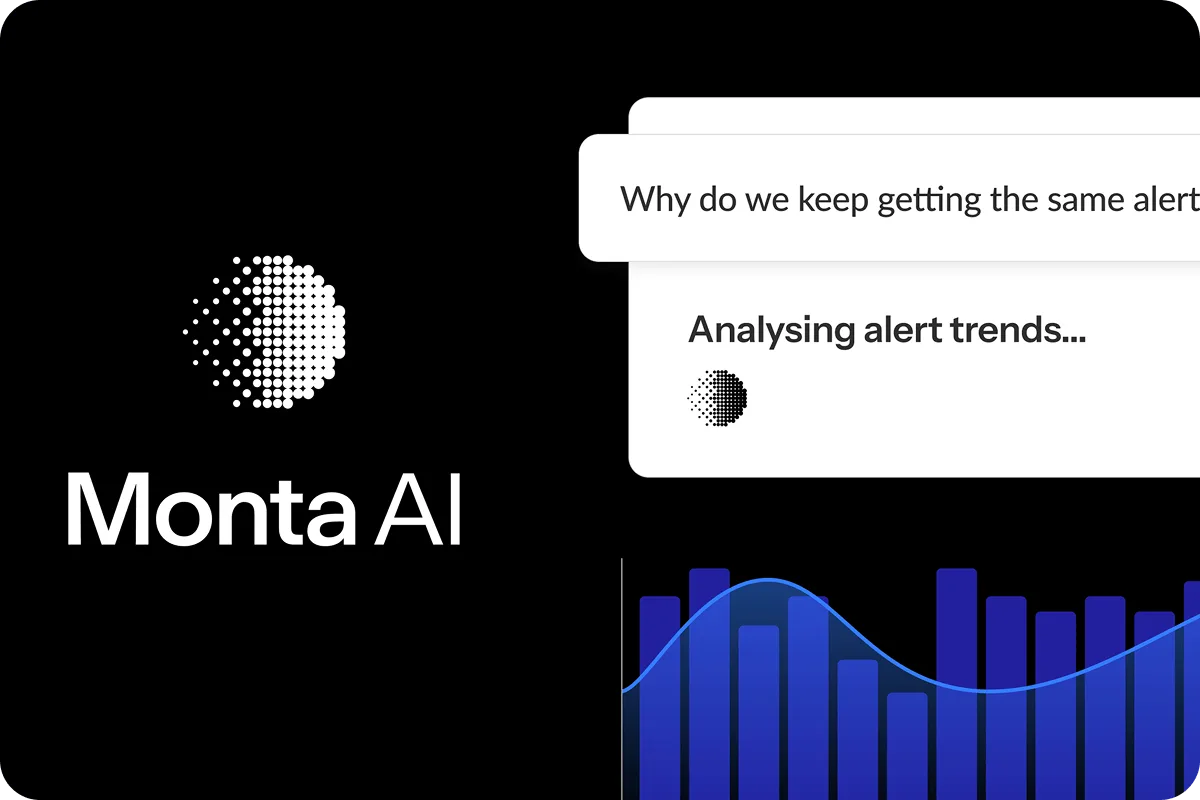
Intelligence no single operator could build alone
Unlike most CSMS providers that isolate customers into separate tenants, Monta operates as a unified global platform. This allows our AI to recognize patterns across the entire ecosystem using anonymized operational data from 340,000+ chargers and billions of charge and telemetry logs. This makes Monta AI the most advanced AI system deployed within a charging platform, giving you intelligence no single operator could generate alone, delivered securely to your network in real time.
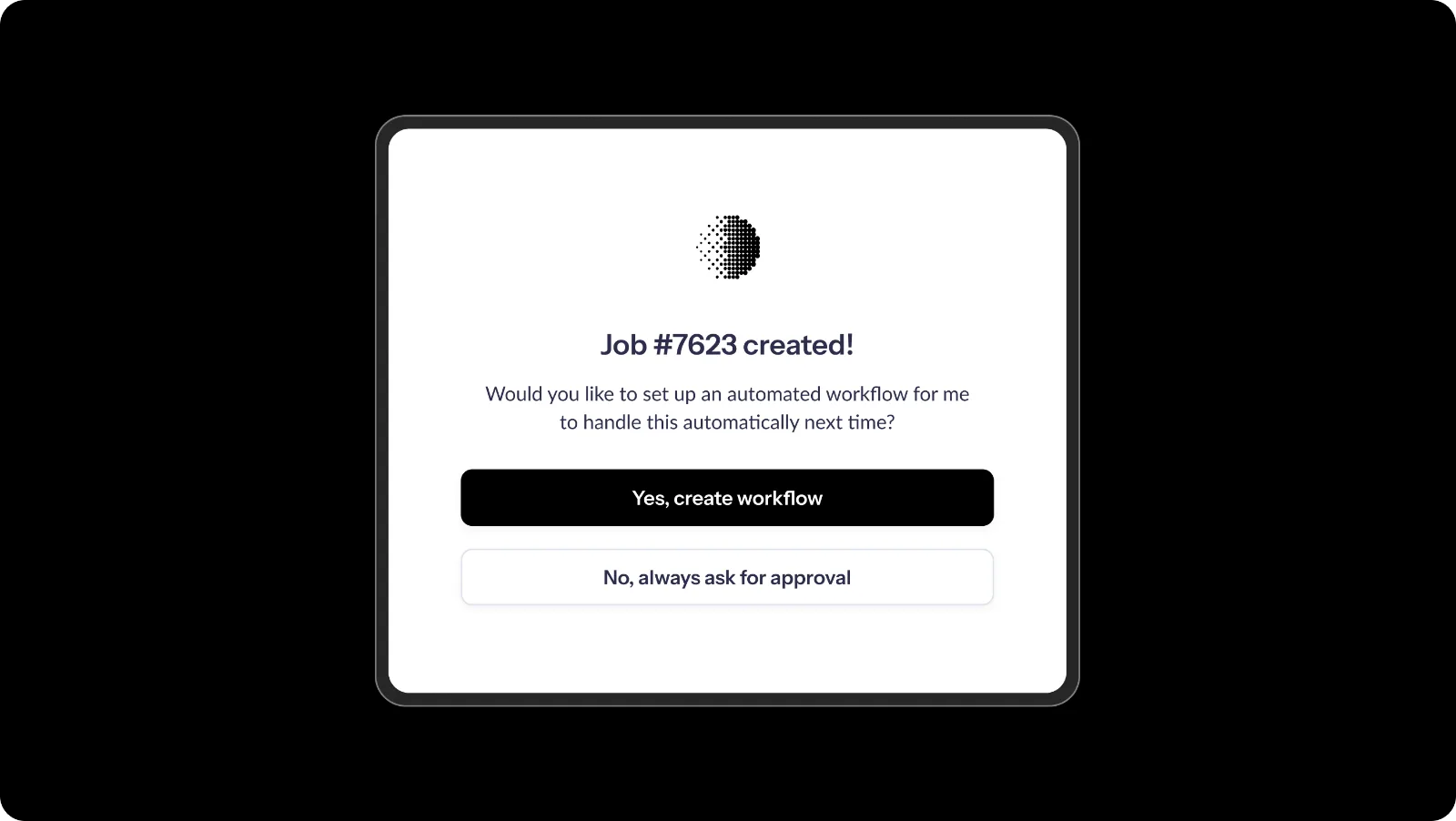
How customers use Monta AI
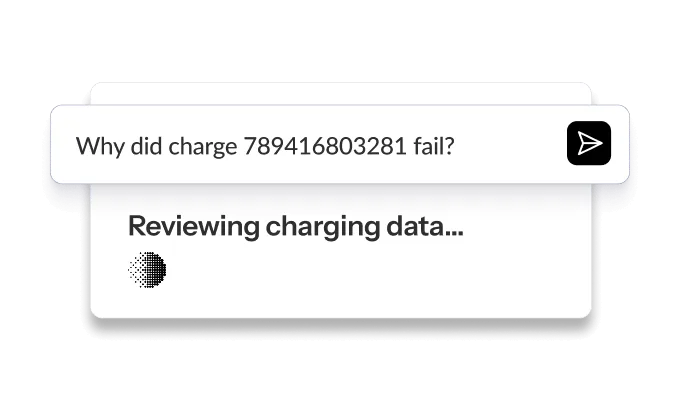
Charge session failure
Prompt: Why did charge 789416803281211264 fail?
Example output: Authorization failed due to insufficient funds. User needs to add funds or use local payment method. Evidence: Authorization attempt at 14:30:17 rejected with ‘insufficient_funds’ status.
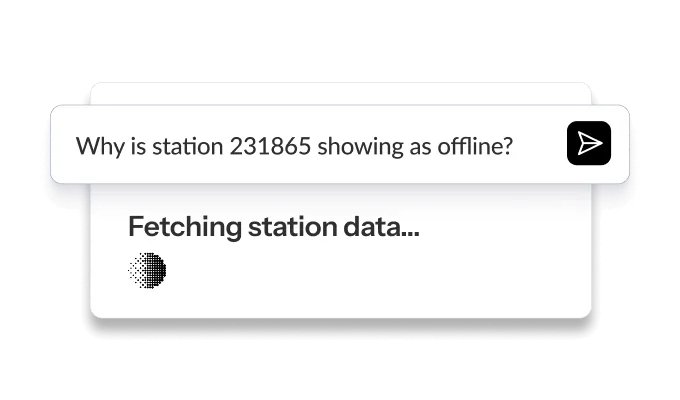
Station offline issues
Prompt: Why is station 231865 showing as offline?
Example output: Station goes offline daily at 2:15 AM for 10 minutes. Correlates with network maintenance window at the site. Recommend adjusting maintenance schedule or enabling offline mode during this window.
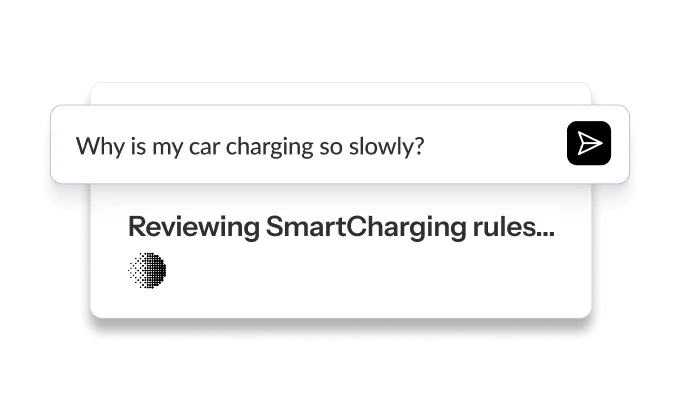
Smart charging confusion
Prompt: Why is my car charging so slowly?
Example output: Price optimization is limiting charging power to 6A until 1:00 AM when electricity rates drop 40%. This is intentional behavior to save costs. Charging will automatically increase to 32A at 1:00 AM.
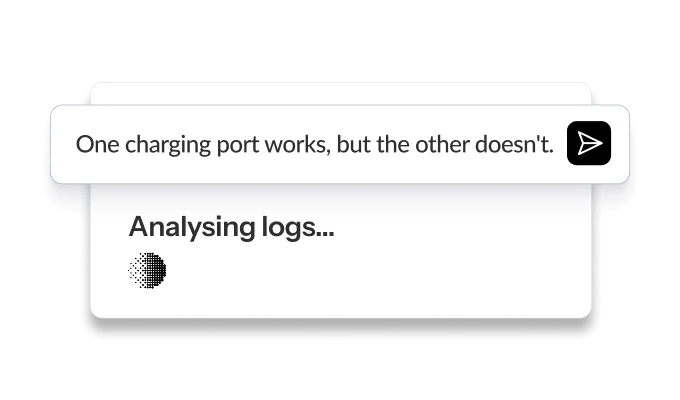
Multi-connector station diagnostics
Prompt: One charging port works, but the other doesn’t.
Example output: Connector 1: Available, no issues. Connector 2: Faulted since 14:23 with HIGH priority ground fault alert. Root cause: Ground fault protection circuit triggered on Connector 2. Recommend on-site inspection before resetting.
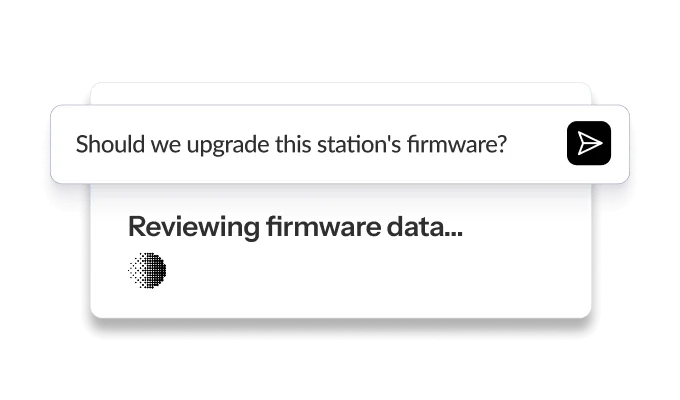
Firmware upgrade decisions
Prompt: Should we upgrade this station’s firmware?
Example output: Current firmware v2.3.1 has 68% success rate (rank 8/12). Recommended upgrade to v2.4.2 with 89% success rate, tested on 6,120 charges across 198 stations. Expected +12% energy delivery improvement.
Roaming authorization troubleshooting
Prompt: Why is authentication failing for roaming charging ID?
Example output: Authorization rejected by Hubject at 14:30:17. Reason: User’s roaming agreement expired. Contact roaming partner to renew subscription. Local authorization methods (RFID, mobile app) still work.
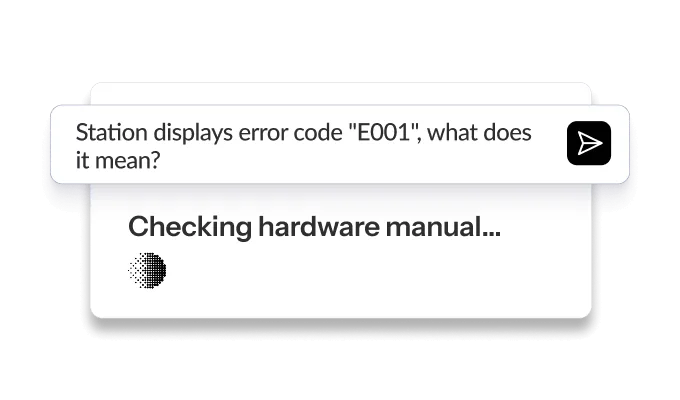
Hardware error codes
Prompt: Station displays error code “E001” – what does it mean?
Example output: Error E001 on ABB Terra AC indicates ‘Ground Fault Detection’. According to ABB manual: Check earth connection, inspect cable for damage, verify RCD settings. Historical tickets show 73% resolution rate by reseating ground connection.
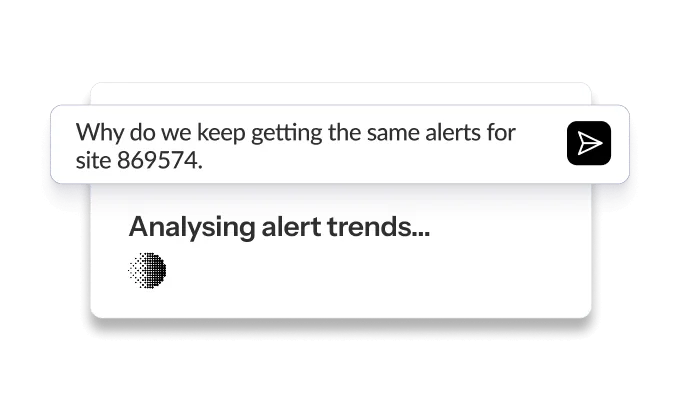
Alert pattern analysis
Prompt: Why do we keep getting the same alerts for the site?
Example insight: HIGH priority connectivity alerts occur every 3 days at this site, averaging 8 stations affected per incident. Pattern suggests network provider issue during peak hours (6-8 PM). 90% of alerts self-resolve within 15 minutes, indicating transient network congestion rather than hardware fault.
“From small samples, like a single session, to having it look at all sessions on all of our chargers or getting insight from around the globe is so, so powerful. Surely I am preaching to the choir here, but you have to know how good this is right?”

“Monta AI enables our support team to troubleshoot faster and smarter. It provides instant access to deep data insights, helping us resolve even complex issues with greater accuracy while saving valuable time.”

“Monta AI is fast tracking our case resolutions for many of the basic issues, freeing up time for our team to handle the more complex issues. Overall, this gives our customers an enhanced service.”

FAQs
What is Monta AI?
Monta AI is an AI-native intelligence layer built into the Monta platform for CPOs. It works across every charger you manage to diagnose faults, resolve driver issues, surface opportunities, and automate operational work at scale.
Where does Monta AI get its data from?
It connects to internal and external APIs, data warehouses, and log clusters, including OCPP logs, firmware data, and smart charging telemetry. No data exports required.
Is my data stored after a session ends?
No. Data processed by Monta AI is sent to our AI provider partner for analysis but is never stored or retained by them. Monta AI is certified to GDPR, ISO 27001, and SOC type 1 and 2.
How does authentication and access work?
Monta AI operates under the same security framework as the CSMS and currently runs in read-only mode. Planned AI-assisted actions will stay under human operator control.
Is there a usage or prompt guide?
Yes. A prompt and usage guide is available in the Monta help center to help your team get the most out of Monta AI.
The infrastructure is already running. Connect your network to it.
Monta AI is live across every Monta product. Talk to your account team to enable the capabilities that fit your operations.