





Reservation lets an EV driver hold a specific charge point for a set time before they arrive, for a small fee. While it’s reserved, no one else can use it. This article covers how to switch it on for your site, what it costs, and what the driver sees in the Monta app.
Turn it on for a site
- In Monta Hub, click Chargers in the left menu.
- Select Chargingsites and open the site.
- Go to Settings.
- Toggle on Reservation.
- Set a maximum reservation duration (how long a charge point can be held).
Setting the duration to 0 turns reservations off again. Reservation is available on Business and Enterprise tiers.
What it costs the driver
When a driver reserves, Monta places a temporary hold on their card. They only pay for what they actually use. The reservation itself has a set price per minute, shown before they confirm.
How a driver reserves in the app
From the charge point screen the driver taps Reserve charge point, confirms the hold and the per-minute price, and slides to start. The charge point is then held for them, with a countdown, until they charge or the time runs out.
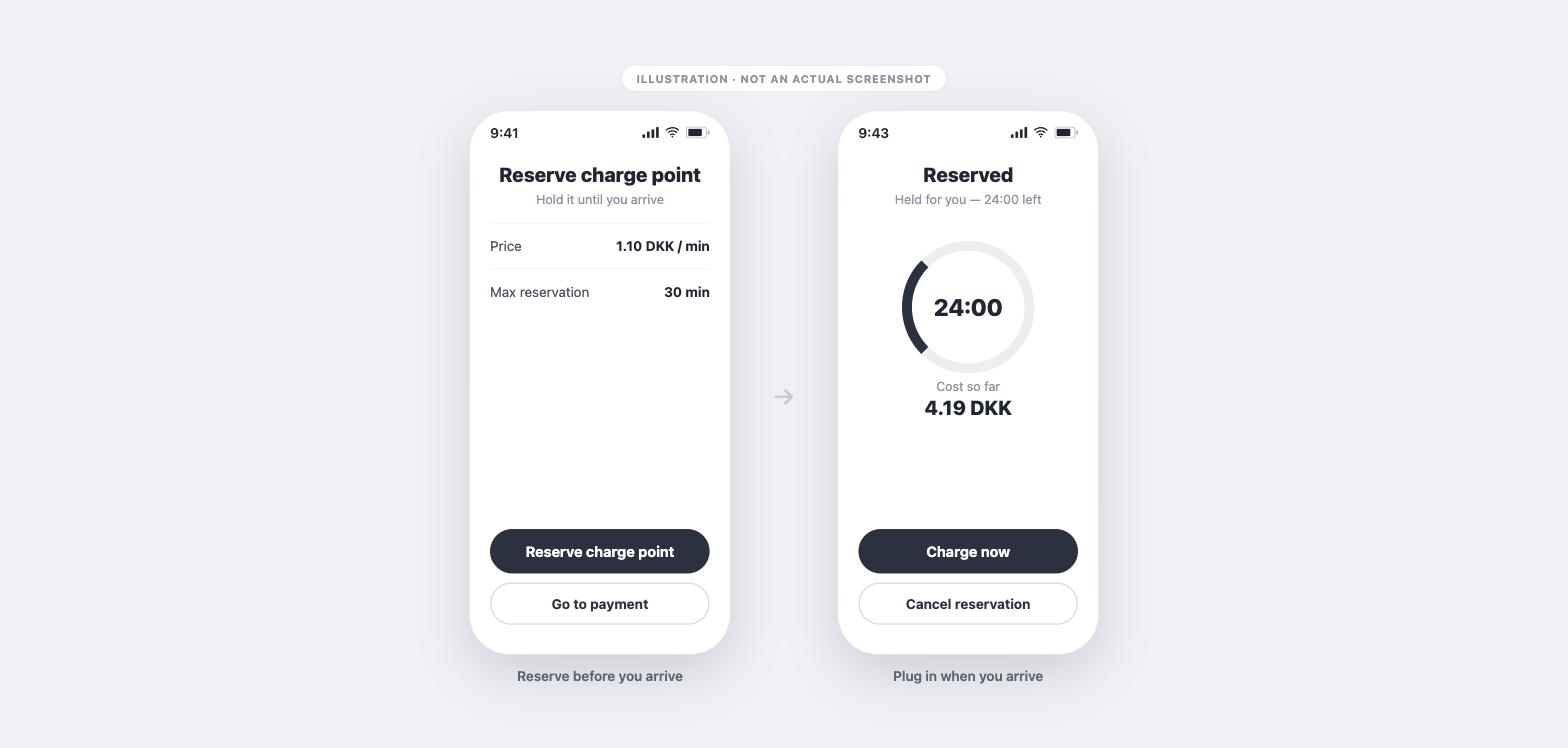
What happens after reserving
Good to know
- Reservation holds the whole****charge point, not a single connector.
- It works on any connected charge point, because Monta holds the reservation rather than relying on the charger’s own hardware support.
- The driver always sees the reservation price before confirming, and their cost so far while it’s held.
Frequently asked questions
Can other drivers use thecharge pointwhile it’s reserved? No. It’s held exclusively for the driver who reserved it until they charge or the time runs out.
Does the driver pay if they never charge? Yes. The reservation cost is charged for the time it was held, even if no charging happens.
What is the hold on the card? A temporary pre-authorisation, not a final charge. The driver only pays for what they actually use.
Which plans include it? Business and Enterprise.
Need help?
Contact Monta support from your Hub if reservations aren’t behaving as expected on a site.
Looking for the driver steps? See How do I reserve a charge point?