





Insights & Dashboard Studio for charge point operators
Monta Hub gives your operations and analytics teams the tools to go deeper on demand. Custom dashboards built from your live data. A permanent audit log of every admin action. And AI-assisted diagnosis of individual charge sessions.

Manual processes can’t keep up at scale
- Monta AI flags fault risk before drivers are affected
- Every failed charge is logged and alerted automatically
- Fault patterns surfaced across your network in real time
- You find out a charge point has failed when a driver complains
- Failed charges accumulate unnoticed across large networks
- No visibility into fault patterns until they affect revenue
- Automated workflows run reboots, config changes, and maintenance on a schedule
- Firmware pushed across your entire estate from one interface
- Your ops team manages exceptions, not routine operations
- A routine reboot or config change requires a support ticket, a developer, or both
- Every repeat task creates a bottleneck on your operations team
- Firmware updates require manual action
- Every admin action permanently recorded — who did what, to which entity, and when
- Filter by person, entity, or date and navigate directly to what changed
- Full audit trail accessible for compliance, internal review, or dispute resolution
- When a charge point is deleted or a role is changed, there is no record of who did it, when, or why
- Compliance questions require manual investigation across system logs
- No way to prove operational changes for audit or dispute purposes
- Live dashboards built from real data, shareable with a link
- Ask questions about your network in plain language and get structured answers from live data
- Export to CSV, XLSX, or pull directly via API into any BI tool
- Finance and operations teams work from manual exports and spreadsheets that are out of date before they are read
- Getting an answer about revenue or utilisation means waiting for an analyst or learning SQL
- No single source of truth across billing, sessions, and network data
Data you can read. Insights you can act on. At any scale.

Ask questions about your network in plain language.
- Ask about revenue, utilisation, session patterns, or reliability in plain language
- The AI builds the answer from your live data, no manual query needed
- No analyst, no SQL, no waiting

Build the exact view your team needs.
- Describe the dashboard you want in plain language, Monta AI builds it from your real data
- Charts, tables, and metrics, saved, shareable, and editable at any time
- No analyst required
Ask questions about your network in plain language
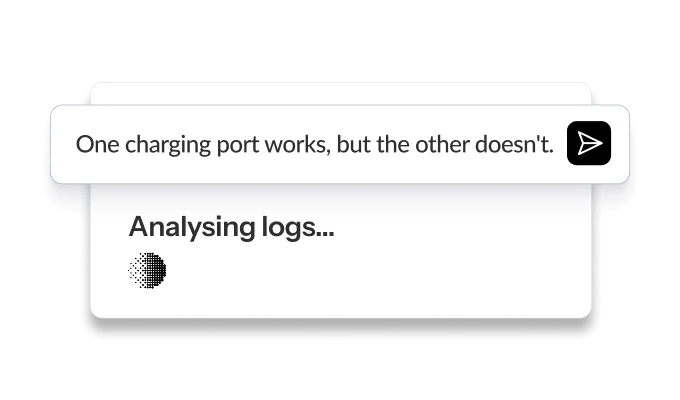
Performance analysis
Query session patterns, reliability trends, and utilisation by site, without writing a single line of SQL.
Revenue and utilisation
See which sites are underperforming and where capacity sits unused, surfaced from your live charging data.
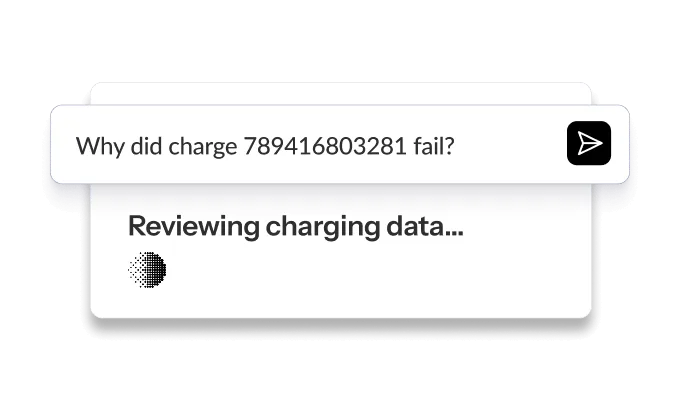
Failed charge analysis
Understand why specific sessions failed and get recommended next steps based on OCPP data and error patterns.
Describe the dashboard you want

AI-powered creation
Open the AI chat. Describe what you need. It builds the dashboard live.
Widget-level filters
Each widget shows a different slice without affecting the rest of the dashboard

Share with your team
Share dashboards as read-only views with colleagues inside your organisation.

Standard dashboards
Pre-built by Monta. Available immediately, maintained automatically.

Personal dashboards
Built by you. Private by default, shareable when ready.
Query your network without SQL
Charge points stay online when we update
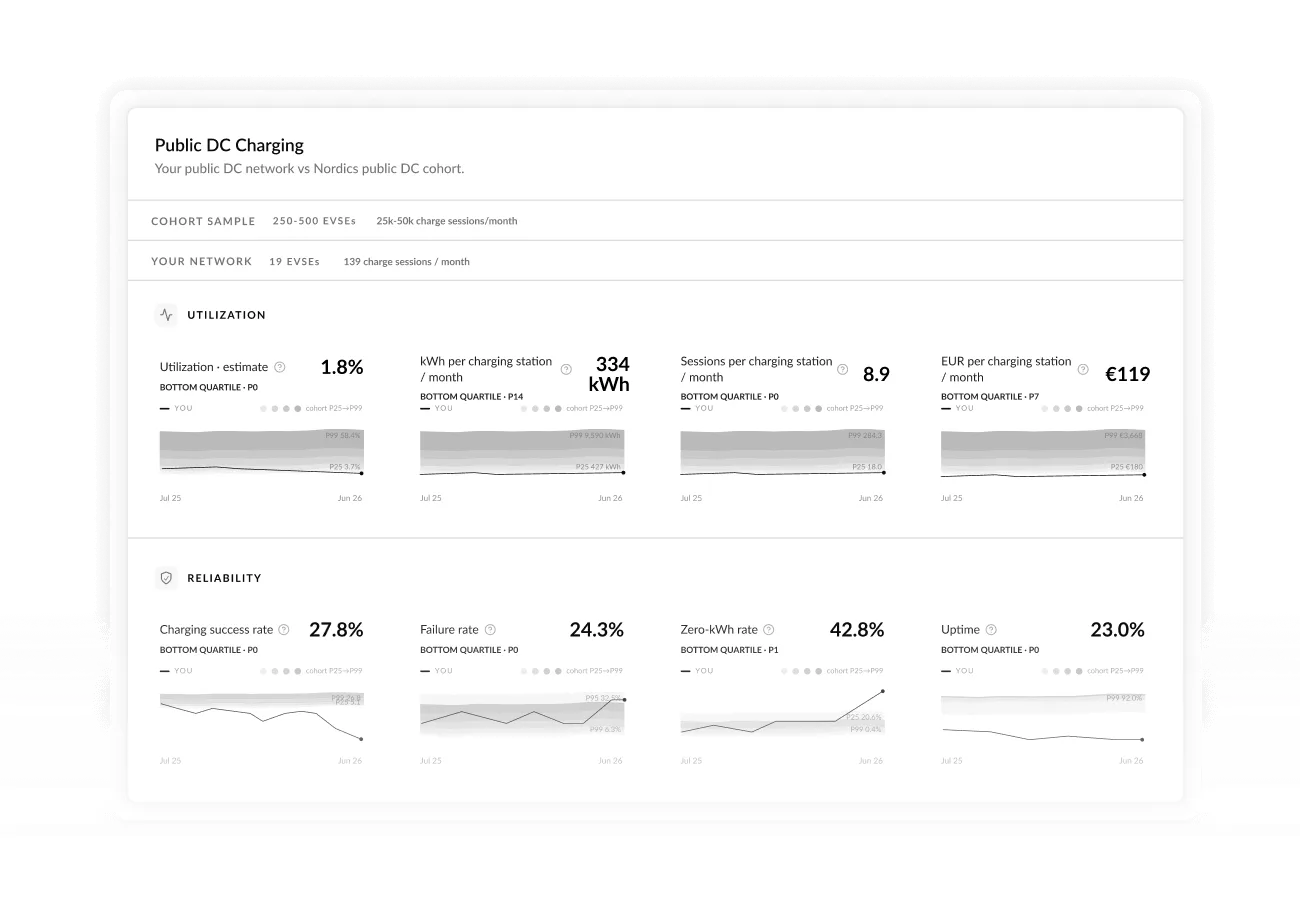
See how your network compares See how your network’s utilisation, reliability, and revenue compare to similar operators in your market, so you know where you stand and where to focus.
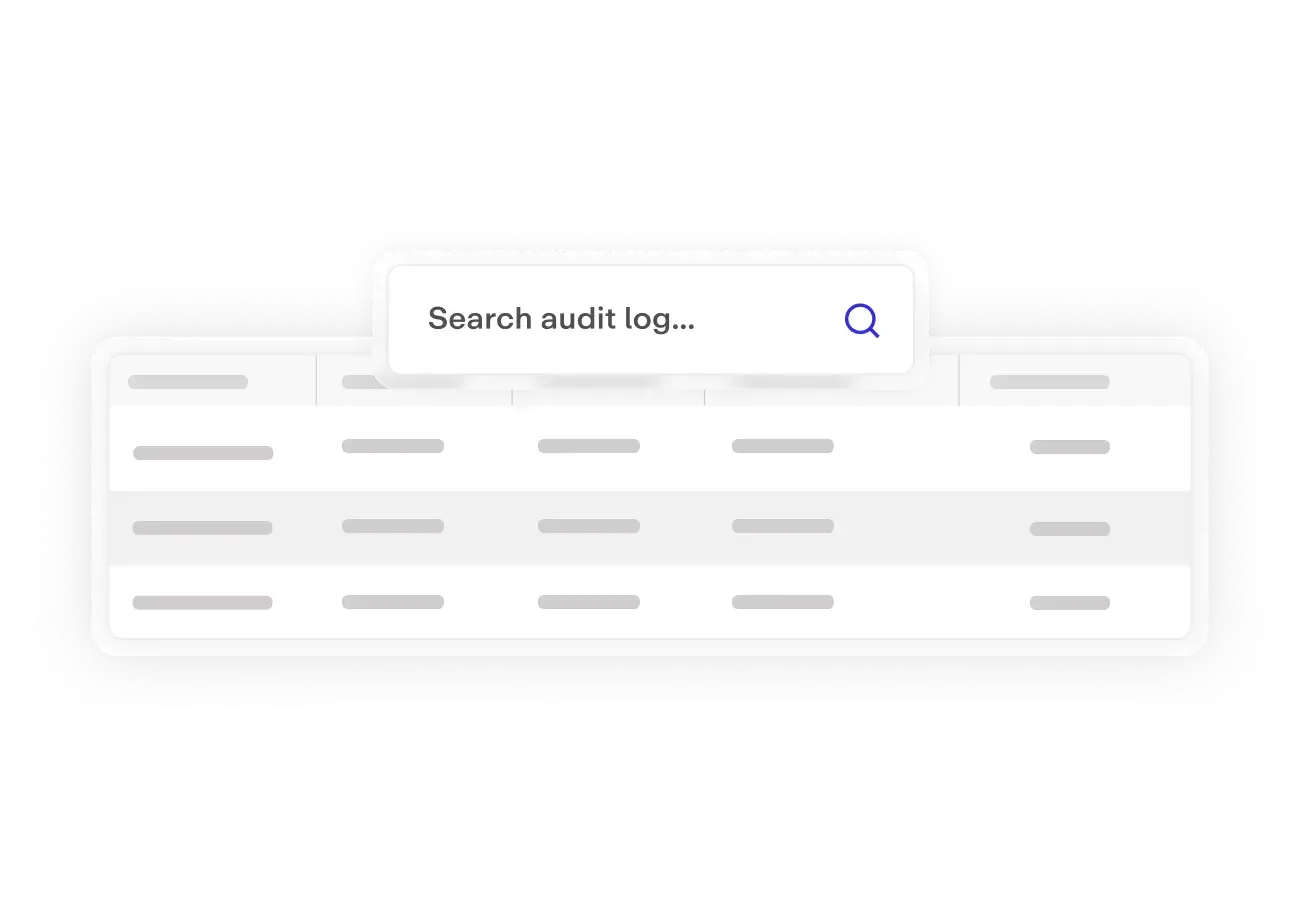
Every admin action, permanently recorded. The audit log captures every administrative action, recording who did what, to which entity, and when – and is fully read-only, so entries cannot be modified or deleted. To use it, you can filter by person, entity type, or date range, and navigate directly from any log entry to the affected entity.
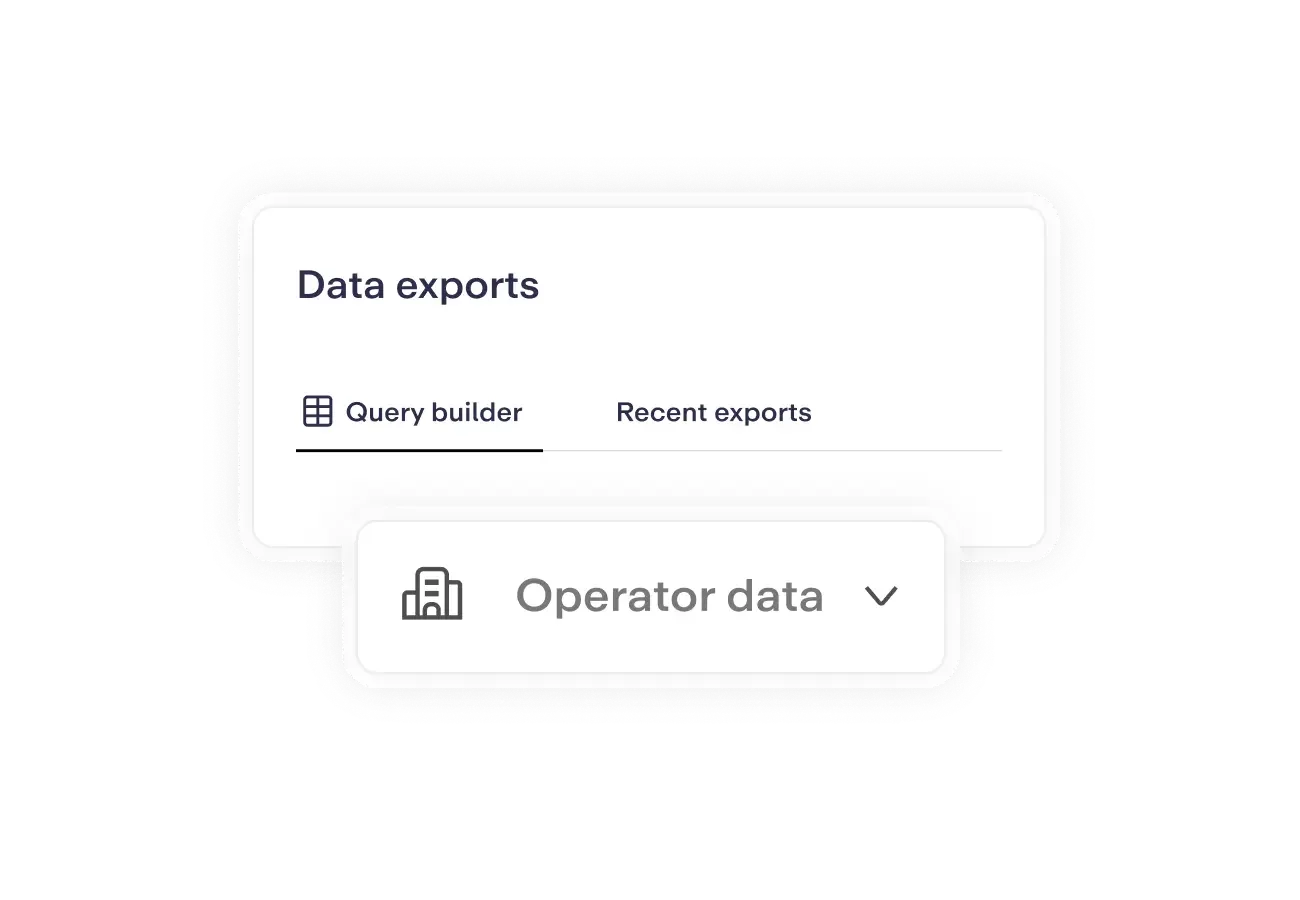
Your data, your way; manual download or direct API access.
Monta’s in-Hub export lets you download charges, charge points, team members, and more as CSV or XLSX, with custom column selection, filters, and scoping by operator or team. For programmatic access, the Partner API lets you query charges, transactions, and user data in real time, while the Partner Data Warehouse provides raw bulk access for BI tools and data pipelines.
Three teams. One set of tools.
Track utilisation and uptime. Spot issues before drivers do.
- Use AI Insights to query uptime trends and session volume by site
- Build dashboards for network health and availability
- Share live views with site partners as read-only dashboards
Export exactly what you need. Build revenue views.
- Export charges and revenue as CSV or XLSX for reconciliation and BI imports
- Build revenue dashboards by site, charger type, or team – no SQL needed
- Connect raw data to external BI tools via the Partner Data Warehouse
Answer any audit question. Know exactly who changed what.
- Permanent record of every admin action, who did what, to which entity, and when
- Filter by person, entity type, or date range
- Navigate directly to the affected entity from any log entry
FAQs
What's the difference between AI Insights and Dashboard Studio?
AI Insights is conversational, you ask a question in plain language and get a structured answer from your live data. It’s built for ad hoc queries: why did sessions drop at this site last week, what’s the revenue trend for this operator, which charge points have the highest failure rate. Dashboard Studio is for persistent views — you build a dashboard once and it stays live, shareable, and editable. Both are driven by the same data; they serve different working patterns.
Do I need to know SQL or data analysis to use these tools?
No. Both AI Insights and Dashboard Studio are designed to be used without any technical background. You describe what you want in plain language, the AI handles the query, the data model, and the visualisation. For teams that do want to go deeper, Dashboard Studio also has an Advanced mode for direct configuration, but it’s entirely optional.
How current is the data shown in dashboards and AI Insights?
Dashboards and AI Insights draw from live charging data. Sessions, charge points, revenue, and operator data are reflected as they update, there’s no manual refresh or scheduled export cycle. Standard dashboards are maintained automatically by Monta as data structures evolve.
Can I build dashboards that only show data for a specific site or operator?
Yes. Each widget in Dashboard Studio supports its own filters; by site, operator, charge point group, time range, and more. A dashboard can mix views at different scopes: one widget showing network-wide revenue, another filtered to a specific site, another comparing the last 30 days against the previous period. Filters apply per widget without affecting the rest of the dashboard.
What can I export, and in what formats?
In-Hub export supports CSV and XLSX across charges, charge points, team members, and more. You can apply custom column selection, filters, and scope by operator or team before exporting.
For bulk or automated access, the Partner API lets you query charges, transactions, and user data in real time. The Partner Data Warehouse provides raw bulk access designed for BI tools and data pipelines.
Who can see the audit log, and how far back does it go?
Access to the audit log is governed by your existing role-based permissions in MontaHub. Admins and operators with the appropriate permissions can filter the log by person, entity type, or date range. Entries are permanent, they cannot be modified or deleted. The log captures every administrative action: who did what, to which entity, and when.
Can we connect Dashboard Studio to our own BI tool like Power BI or Tableau?
Dashboard Studio is Monta’s built-in dashboarding layer. For teams that want to connect their own BI tools, the Partner Data Warehouse provides raw bulk access to charging data — designed specifically for external analytics tools and data pipelines. The Partner API also supports real-time queries for custom integrations.
Analytics that scale with your network
AI Insights, Dashboard Studio, and audit logs, see how operators get answers from live data without SQL or waiting.