





Charge to what the car actually needs
A charge point knows only that a car is plugged in — not how full the battery is, not how far the driver is going tomorrow. Vehicle Integration connects the car itself, so SmartCharge can target a real battery level and stop when it is met.
- 330k+
- Charge points migrated
- Across Europe and North America
- 65M+
- Charge sessions
- Completed across the network
- 930+
- Hardware models
- Integrated and tested
Supported vehicle brands
Integration runs through Enode, so which brands work – and how quickly state of charge arrives – depends on their manufacturer partnerships. Cars without a supported integration can still be added manually for a basic SmartCharge schedule, just without live state of charge.

Real car data replaces estimates
Seeing the battery percentage in the app is the smallest part. What matters is what Monta does with the number.

Precise SmartCharge
SmartCharge uses the car’s real state of charge — not an estimate — to charge to a target and stop there, like 80% on a weeknight, with no meter needed in the house.

One app for everything
Drivers see battery level and charge status directly in the Monta app, without switching to the car manufacturer’s app.

Add now, integrate later
Adding a car records its battery size — already enough for a rough schedule. Integrating the account adds live state of charge on top. Drivers can do the first without the second.

Vehicle sharing
A car can be shared with other people by phone number or email, so more than one driver can use its data and schedule.
Two steps, and the second is optional.
Adding a car and integrating it are separate. Adding gives Monta the battery size. Integrating – logging into the manufacturer account – adds live state of charge on top.
- 1. Add the car. Driver adds it by brand, model and connector. → Monta now knows the battery size — enough for a basic SmartCharge schedule.
- 2. Integrate your car. Driver logs in with their manufacturer account and authorises Monta via OAuth. → Monta reads live state of charge, so SmartCharge can target a real battery level instead of an estimate.
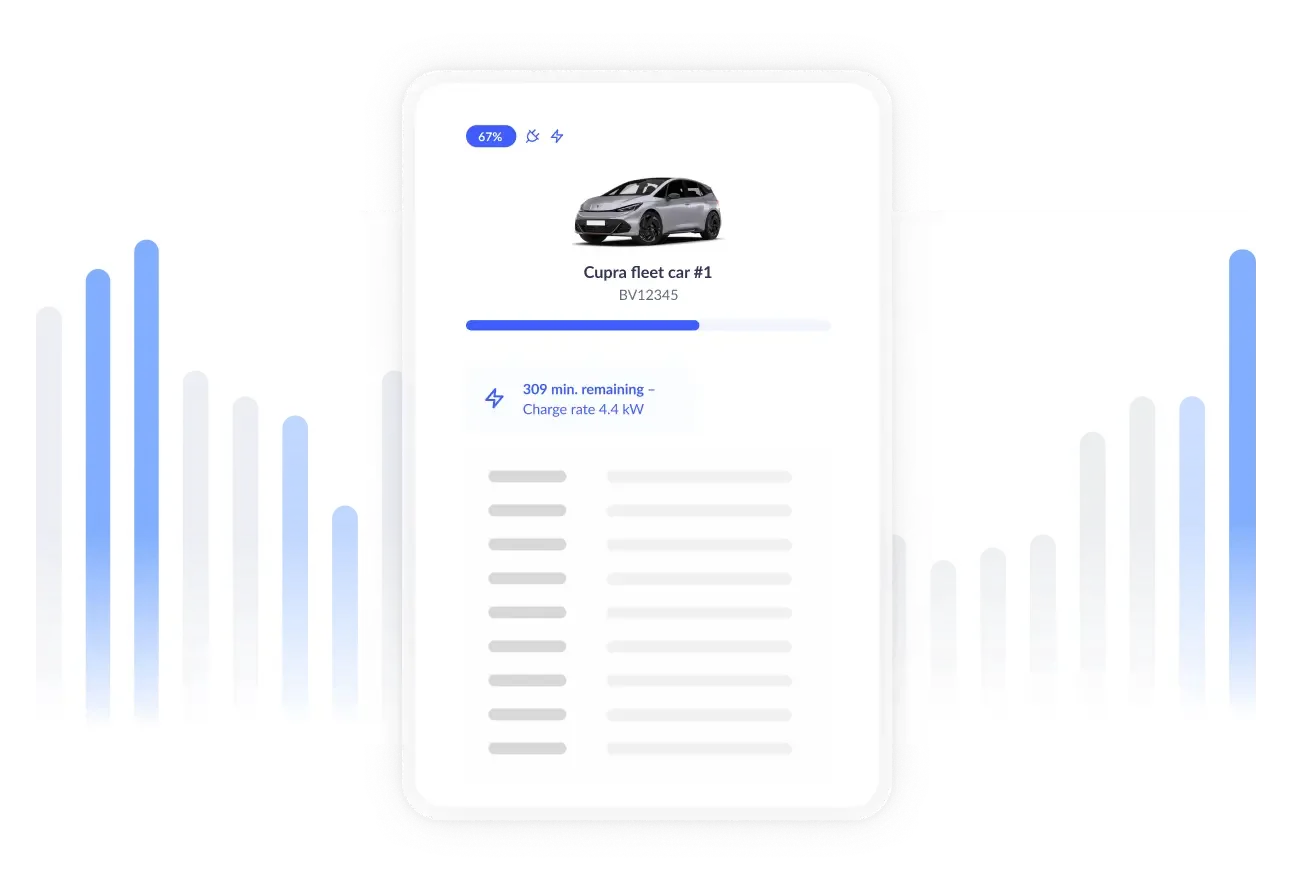
What Monta receives
Battery capacity and live state of charge — the two data points the smart-charging features need. Whether live state of charge arrives promptly depends on Enode’s per-vehicle reliability score.
Help centre
Driver walkthrough: adding a car, completing the integration, what to do when a brand can’t be integrated, and how to share a car with other drivers.
The car can also authenticate itself
Some charge points can identify a vehicle directly and start the session without a card or an app tap. Worth knowing about – but keep it separate in the conversation: this is a charge-point capability, not something the Home+ vehicle integration provides.
Plug & Charge: where both the charge point and vehicle support it, the car is identified on plug-in and the session starts on its own. Support depends on the charge point model – check the supported charge points list rather than assuming it.
~3,800 Plug & Charge sessions per month across Monta. All charge points on Monta, public DC included. July 2026.
Give SmartCharge the data it needs
Vehicle integration is included in Home+. Around 244,000 vehicles were active on Monta in the last three months, across 94 supported brands.